
Your ebook library, in your pocket
Inkbrary imports your books, sorts them into collections and sends them to your e-reader over Wi-Fi.
Join the iPhone and iPad waitlist
Get updates on how Inkbrary is coming along, and a heads-up when more beta seats are available.
You're on the list. We'll email you with updates on Inkbrary's development and when more beta seats are available.

From file to e-reader in three steps
-

Import
Drop in EPUB, PDF, CBZ, FB2, TXT or RTF files. Covers and details come along automatically.
-
Organise
Smart collections fill themselves from rules you set. Manual ones hold exactly the books you pick.
-
Sync
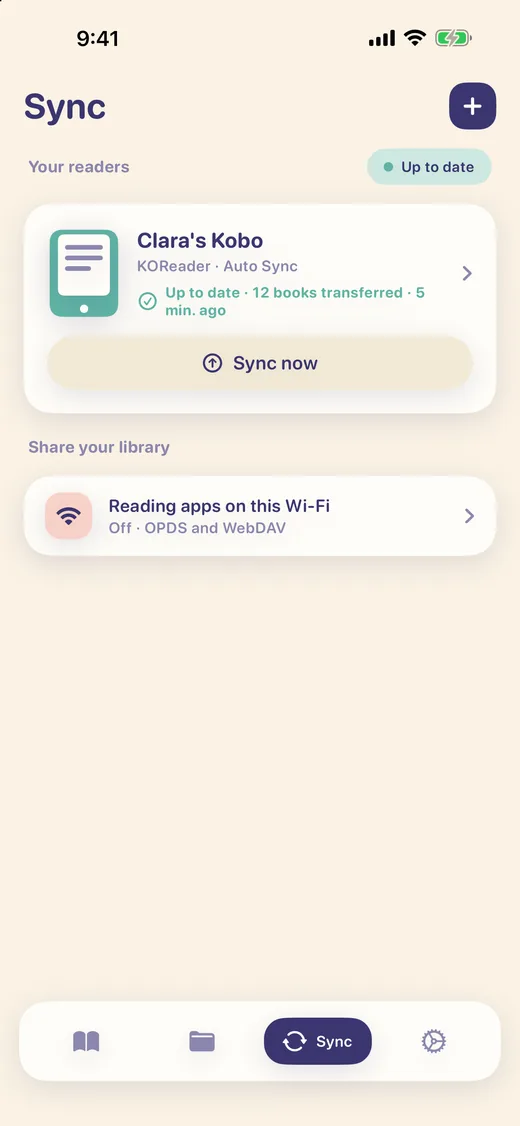
Send books to your e-reader over Wi-Fi. With KOReader, new books and collection edits made on the reader come back to your library.
Works with the readers you already have
Inkbrary talks to readers over your Wi-Fi. No cables, no desktop app.
KOReader
Kobo, Kindle, PocketBook and other devices running KOReader with the FileSync plugin. Books go both ways.
CrossPoint on Xteink
Xteink X4 and X3 readers running CrossPoint firmware. Books are sent to the reader.
OPDS and WebDAV
Inkbrary can also share your library on your Wi-Fi so other reading apps can browse and download from it.
Reader names are the property of their owners. Inkbrary is not affiliated with them.
Your place, on every device
Start a book on your e-reader and see how far you got in Inkbrary. Reading progress travels with the book, so wherever you stop, you can pick it up again.
KOReader and CrossPoint
Point the progress sync built into your reader at Inkbrary over Wi-Fi. It sends how far you have read, and Inkbrary shows it on the book.
iCloud
If you use iCloud, your reading progress follows you between your iPhone and iPad through your own private iCloud.
Set it by hand
Read a book somewhere else? Set the position yourself or mark the book finished, and your readers pick it up the next time they sync.
Reading progress sync is part of Inkbrary Pro, a one-time purchase.
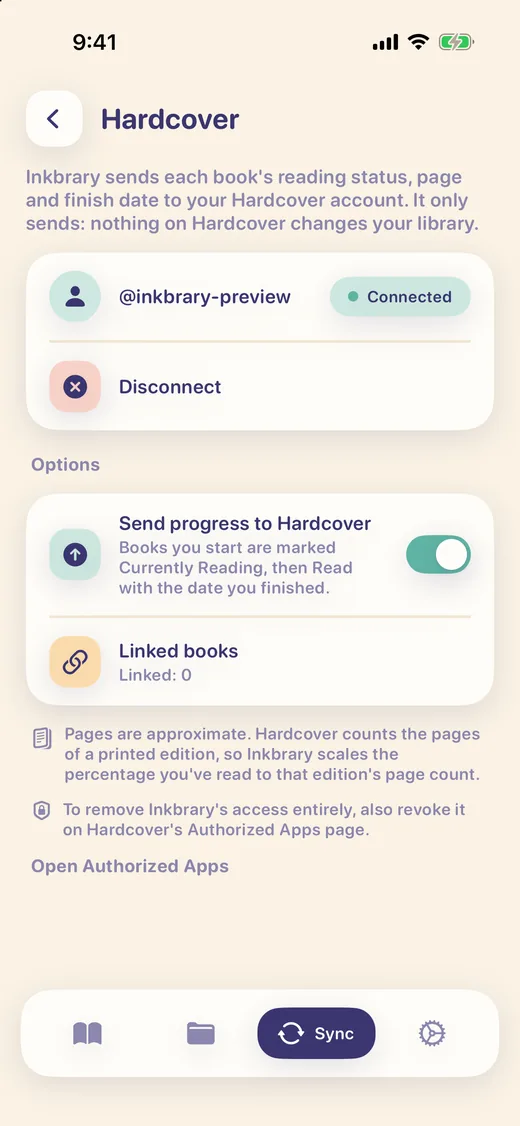
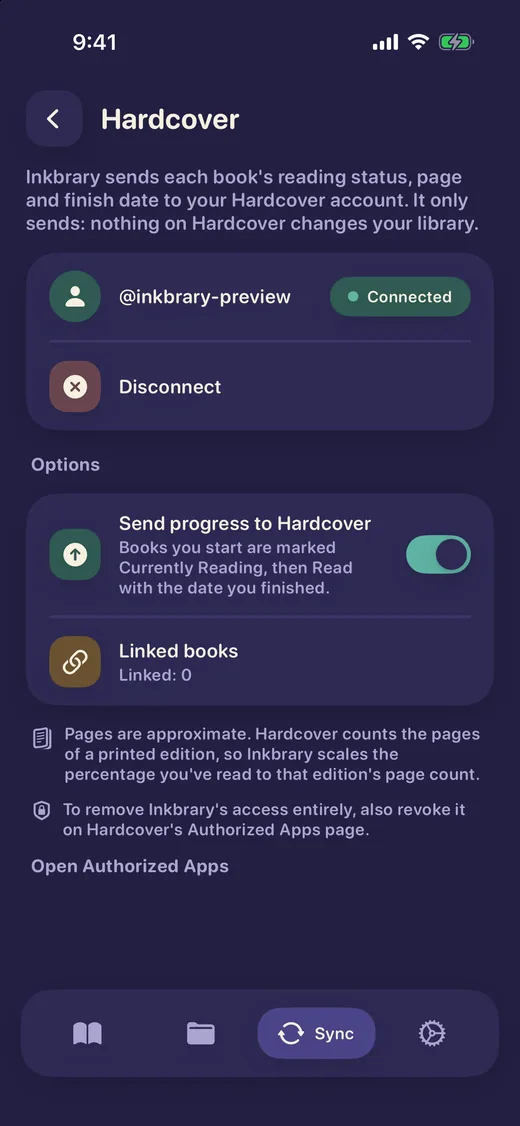
Keep Hardcover up to date
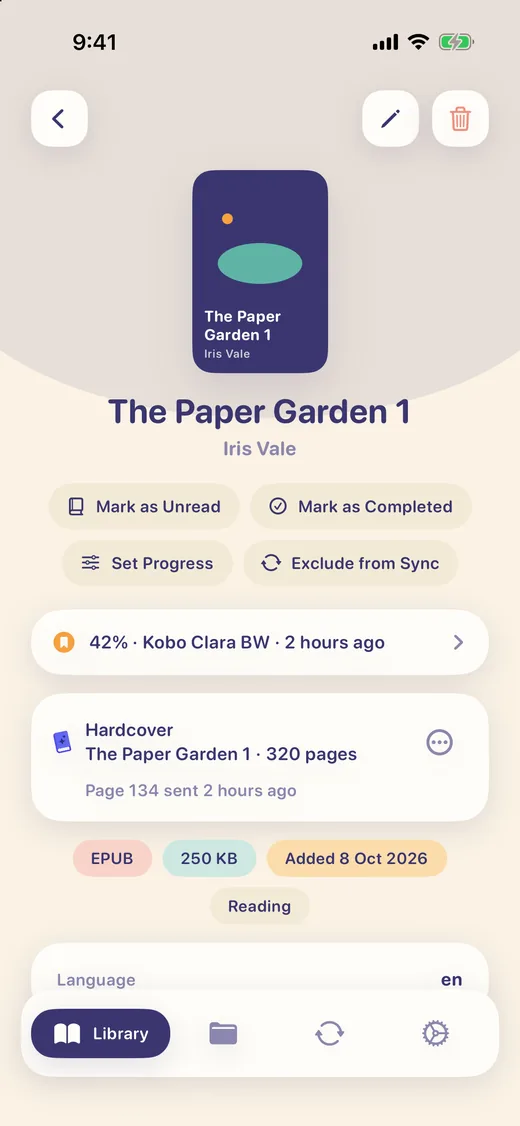
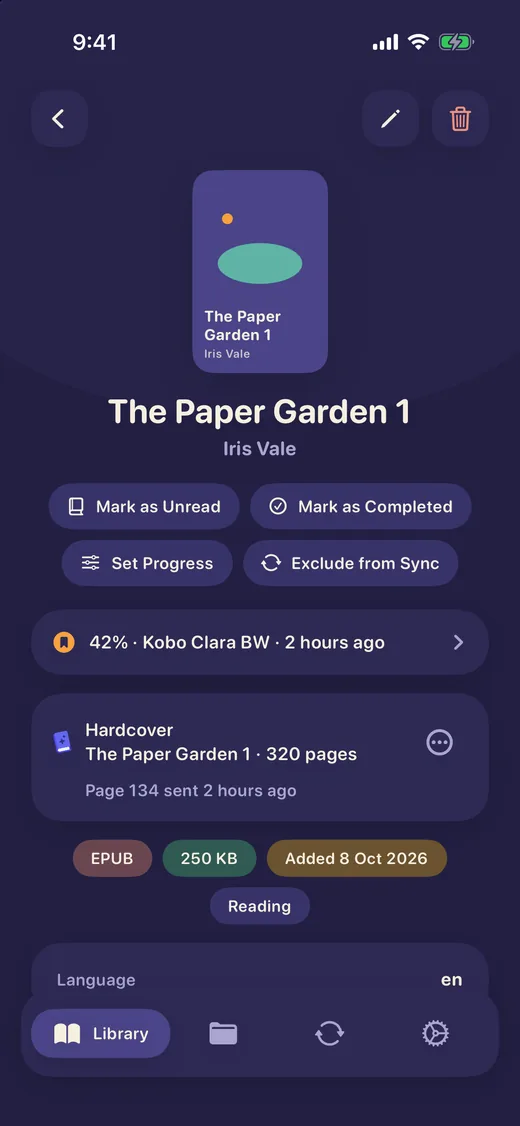
Connect your Hardcover account and Inkbrary sends your reading status and page progress to it while you read, so you never type it in twice.
Status and pages
A book you have started shows on Hardcover as Currently Reading, at your page. Finish it and it moves to Read, with the date you finished.
Forward by default
Automatic updates only move forward, so re-reading a chapter never lowers your page. To lower it on purpose, set a lower progress by hand and choose to lower it on Hardcover too.
Your account, your call
You sign in on Hardcover's own page, so Inkbrary never sees your password. Updates go one way, from Inkbrary to Hardcover, and you can turn them off or disconnect at any time.
The Hardcover integration is part of Inkbrary Pro. Hardcover is a separate service and Inkbrary is not affiliated with it.
A library that is a pleasure to open
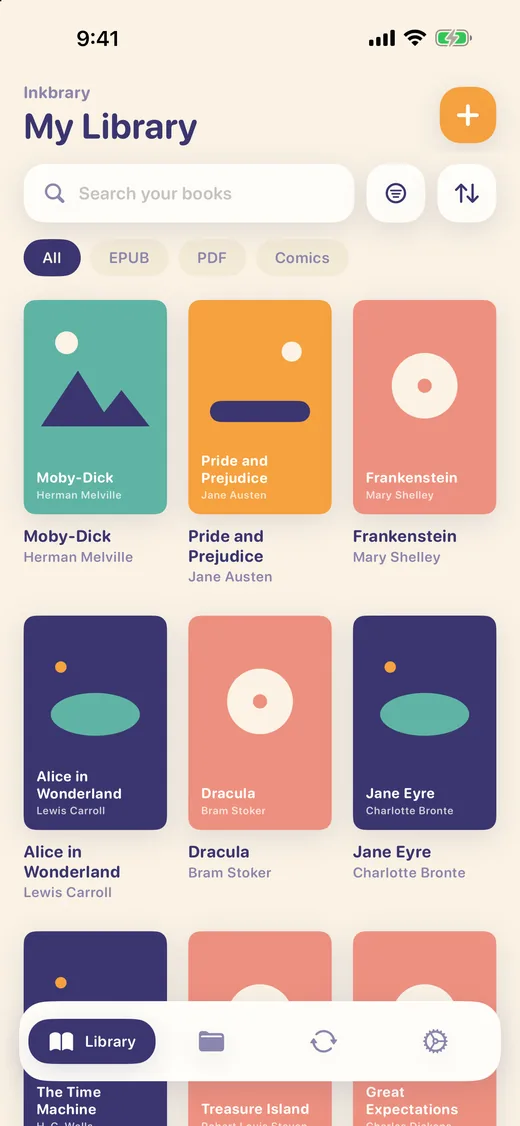
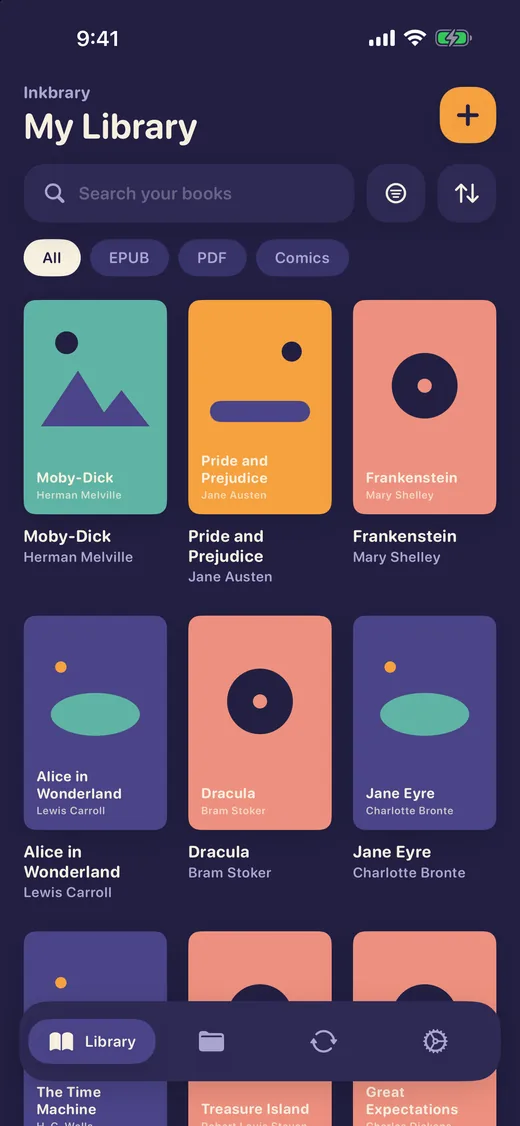
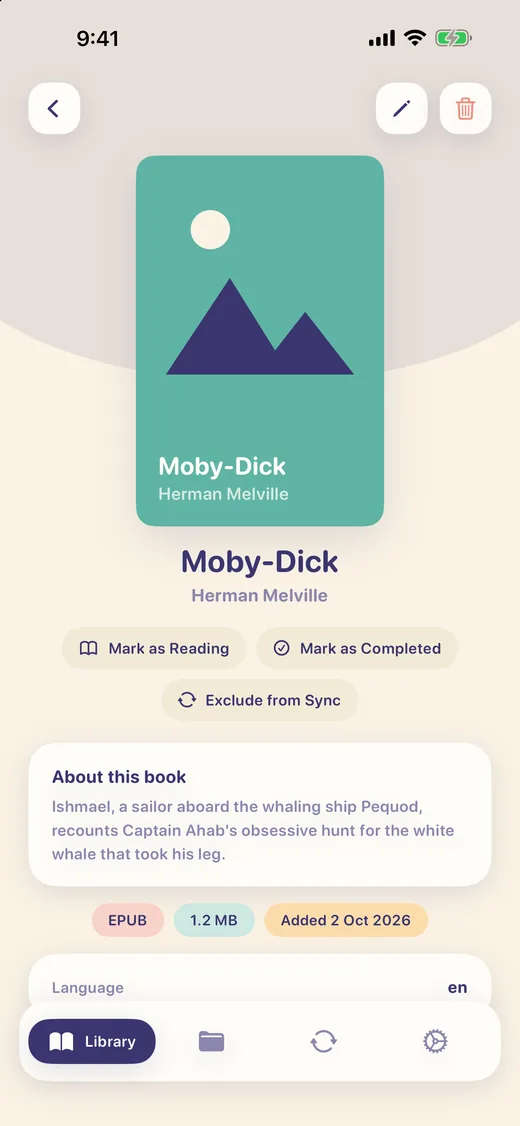
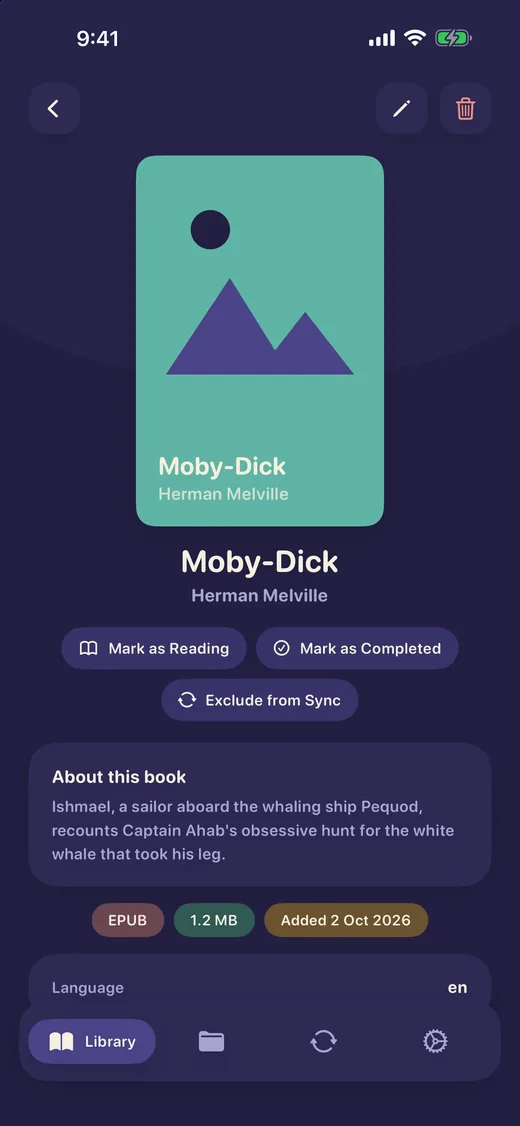
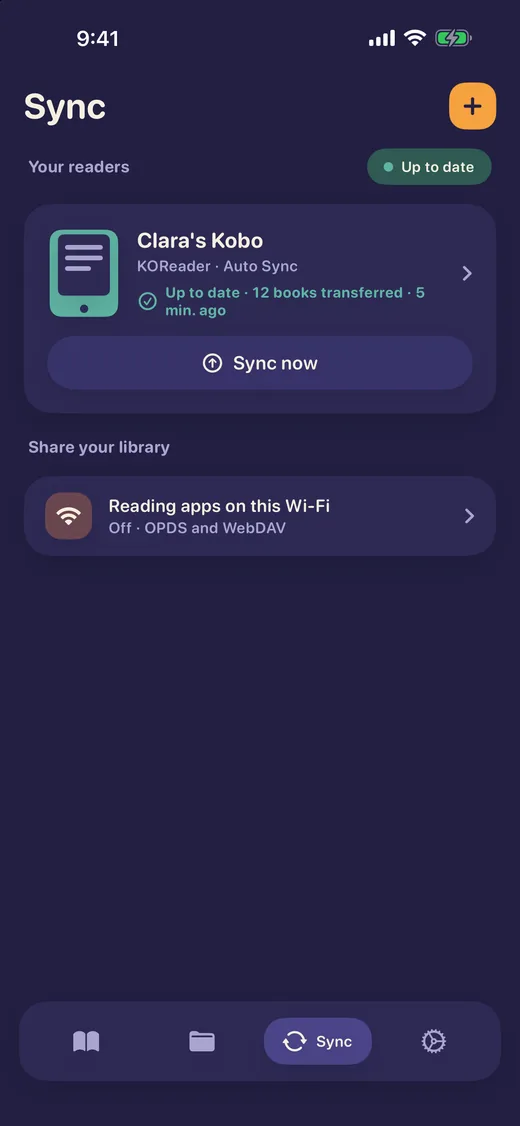
Browse by cover, search by title and filter by format. Open a book to see its details. Light and dark, to match the room.
Your books stay yours
On your devices
Your library lives on your iPhone or iPad. If you use iCloud, it follows you between your Apple devices through your own private iCloud.
No tracking
No ads, no analytics and no tracking in the app. It talks to your readers on your Wi-Fi, not to us.
Nothing to sign up for
There is no Inkbrary account. This website only keeps the email address you give the waitlist.
Questions people ask
Can I sync reading progress between my e-reader and my iPhone?
Yes, with KOReader and CrossPoint readers. Point the reader's progress sync at Inkbrary over your Wi-Fi and it sends where you are in each book. Inkbrary shows it on the book, syncs it between your Apple devices through iCloud, and can send a position back to your readers. Reading progress sync is part of Inkbrary Pro.
Does Inkbrary work with Hardcover?
Yes. Connect your Hardcover account and Inkbrary sends your reading status, page progress and finish date. Updates go one way, from Inkbrary to Hardcover. The integration is part of Inkbrary Pro.
Which e-readers does Inkbrary work with?
Kobo, Kindle, PocketBook and other devices running KOReader with the FileSync plugin, and Xteink X4 and X3 readers running CrossPoint firmware. Inkbrary can also share your library over OPDS and WebDAV for other reading apps.
Do I need Calibre or a computer?
No. Inkbrary runs on your iPhone or iPad and talks to your reader over Wi-Fi. There is no desktop app and no cable.
Is there an Android version?
Not today: Inkbrary is for iPhone and iPad. You can tell us you would use it on Android, and which e-reader you have, on the Android page.
Be first through the door
Leave your email to follow Inkbrary's development: progress updates, and a heads-up when more beta seats are available.
You're on the list. We'll email you with updates on Inkbrary's development and when more beta seats are available.